
Manage LLM Provider API Keys
Register your OpenAI, Anthropic, Azure, AWS, or Vertex credentials so manual and scheduled runs can call those providers on your behalf.
There are two kinds of keys in Librari Evals, and they're easy to confuse:
- Manage Extraction API Keys — keys your apps use to call Librari Evals.
- This page — keys Librari Evals uses to call the model providers (OpenAI, Anthropic, AWS Bedrock, Azure OpenAI, Google Vertex) on your behalf.
If you want runs to charge your OpenAI account instead of a shared one, this is where you wire that up.
What it looks like
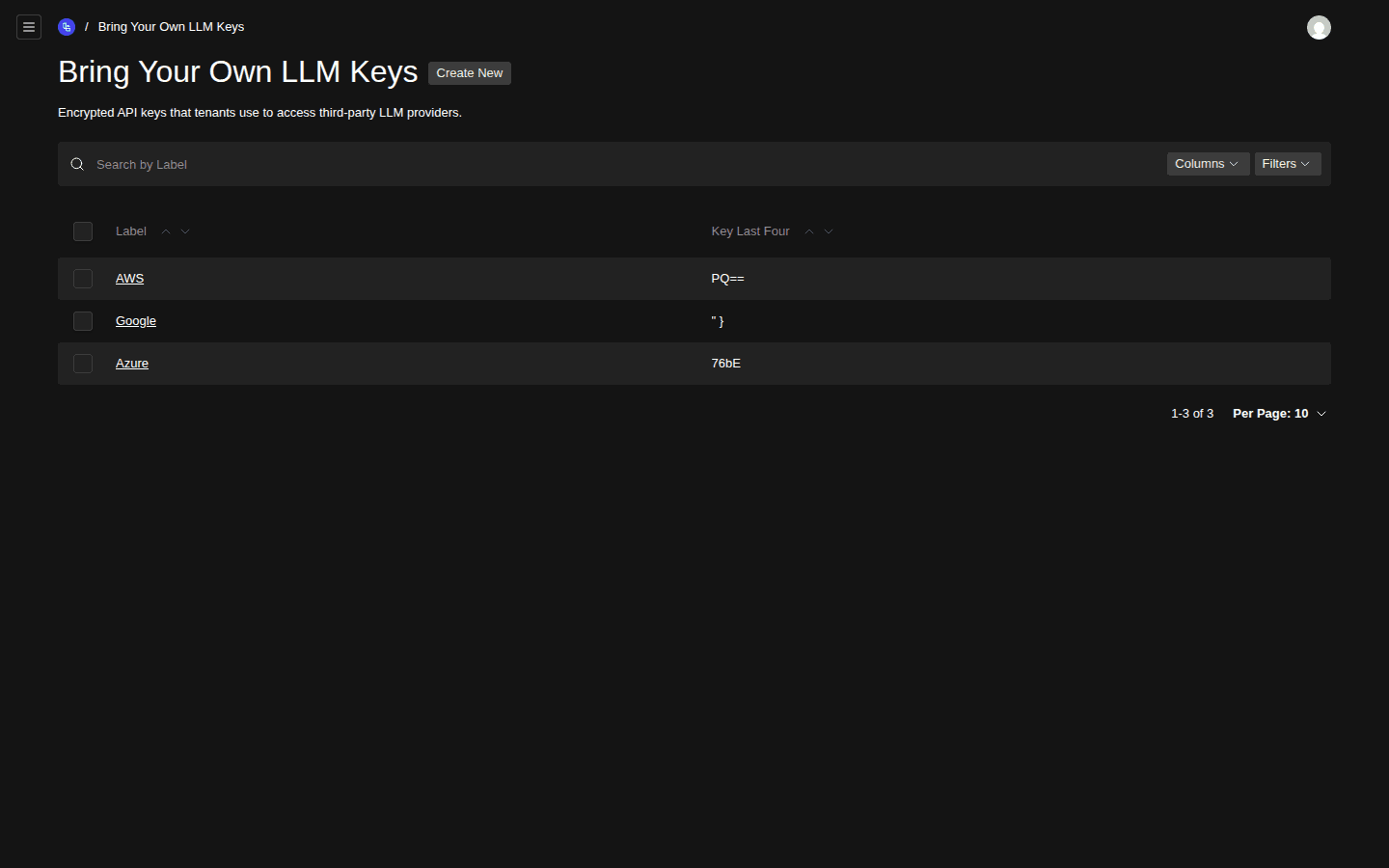
- Create New button
- Label column
- Key Last Four column (only the last 4 chars are visible after save)
The header reads Bring Your Own LLM Keys with the description: Encrypted API keys that tenants use to access third-party LLM providers.
Walkthrough
1. Get the key from the provider
Generate or copy the API key from the provider's own console:
- OpenAI — platform.openai.com → API keys
- Anthropic — console.anthropic.com → API keys
- Azure OpenAI — Azure Portal → your OpenAI resource → Keys & Endpoint
- AWS Bedrock — IAM access key + secret with
bedrock:InvokeModelpermission (paired) - Google Vertex — service-account JSON
2. Open Bring Your Own LLM Keys
Go to /admin/collections/tenant-llm-api-keys.
3. Create a new key
Click Create New. Give it a recognisable Label (e.g. OpenAI – production, Anthropic – sandbox). Pick the provider, then paste the key value into the appropriate field.
4. Save
On save, the key value is encrypted at rest with AES-256-GCM and the encryption key is held server-side. From this point forward, the list view (and any read of the record) only ever shows the last 4 characters of the key.
5. Run something
With the key saved, every manual run and scheduled run against that provider's deployments will use it. There is no per-run "which key?" picker — the system finds the right one by provider. The same key covers that provider's embedding deployments too (see Chat vs embedding deployments) — the deployment picker on the key lists both kinds.
Rotation
When a provider key needs to be rotated (employee turnover, suspected leak, scheduled rotation):
- Generate a new key in the provider's console.
- Open the existing record in Librari Evals and paste the new value over the old one.
- Save. The old key is replaced atomically — there's no window where both are valid in our system.
- Revoke the old key in the provider's console.
Common errors
- Manual run fails with provider 401 — the key is wrong, expired, or doesn't have the right permissions in the provider's IAM (most common with AWS Bedrock — the access key must be allowed to
bedrock:InvokeModelon the target model ARN). - "Provider key not found" — no record exists for the provider of the deployment you're trying to run. Add one here.
Related
- Browse Supported LLM Models — to see which providers you can target.
- Run a Manual Test — the most direct way to verify a freshly-saved key works.
- Manage Extraction API Keys — the other keys page; not the same thing.